Websites & links
Turn a website address or useful link into a QR code you can save or share.
Turn links, Wi-Fi details, text and more into QR codes. Personalize using available design options, logos and selected images, then save your work on your device.
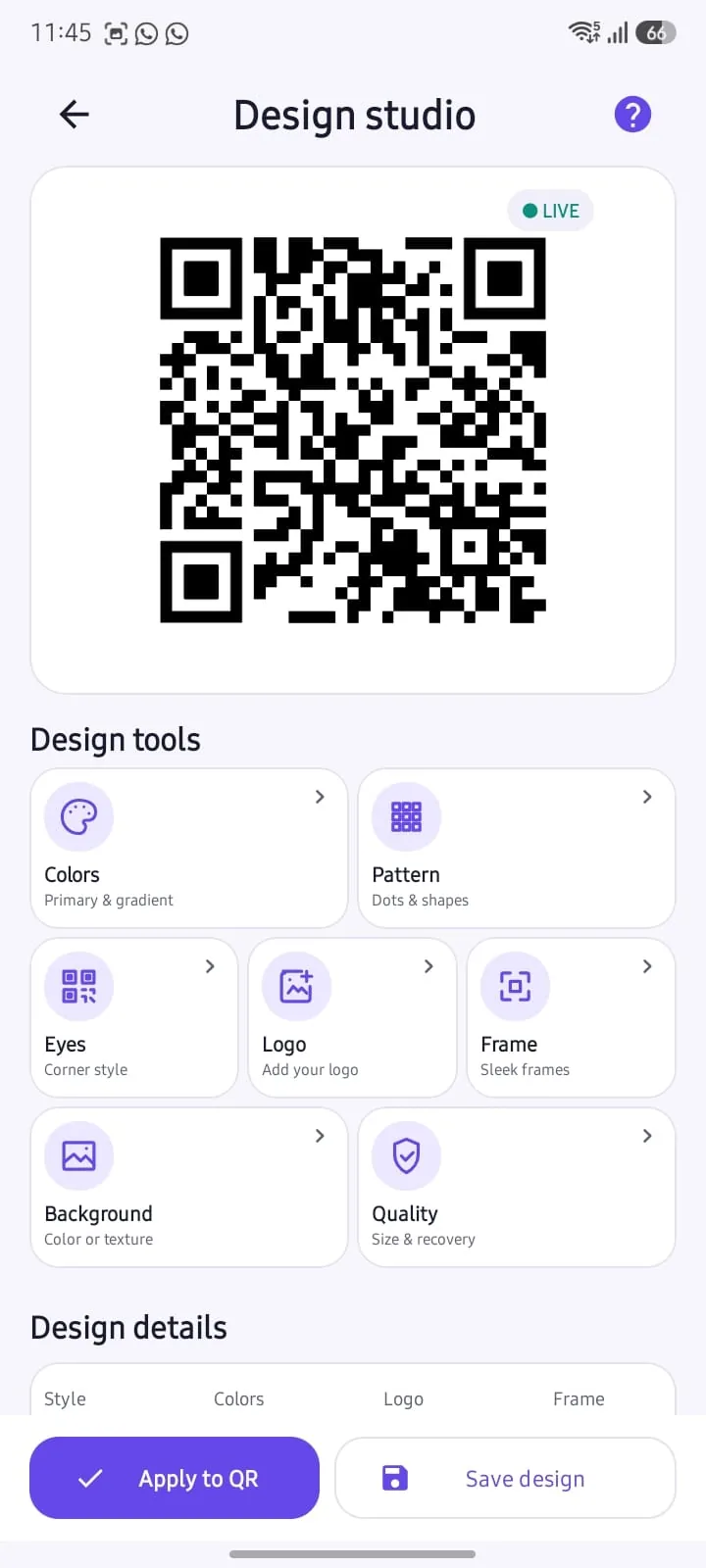
From a simple URL to Wi-Fi information, QR Craft Studio uses the content you enter to generate QR codes on your device.
Turn a website address or useful link into a QR code you can save or share.
Encode written information using the app’s text-based QR options.
02Create a QR code using network details you choose to enter.
03Use manually entered contact, phone and email details in supported QR formats.
04Prepare QR content for event information and supported social links.
05Create multiple codes using supported batch and CSV workflows.
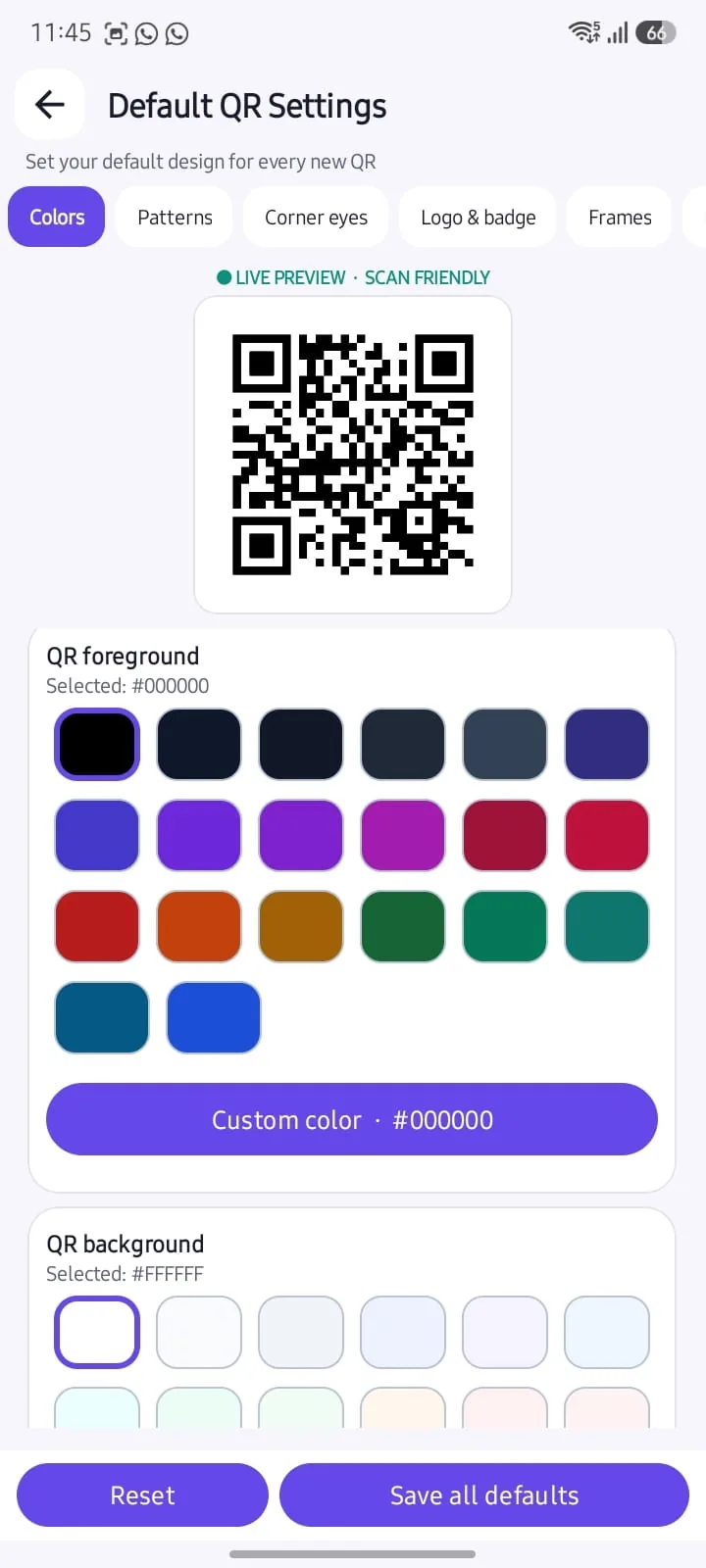
06Personalize QR designs with the available design options, add a logo or image you select, and keep your preferences on your device.
Choose from the app’s available design preferences.
Add a logo or background image you select.
Keep your saved design preferences locally.
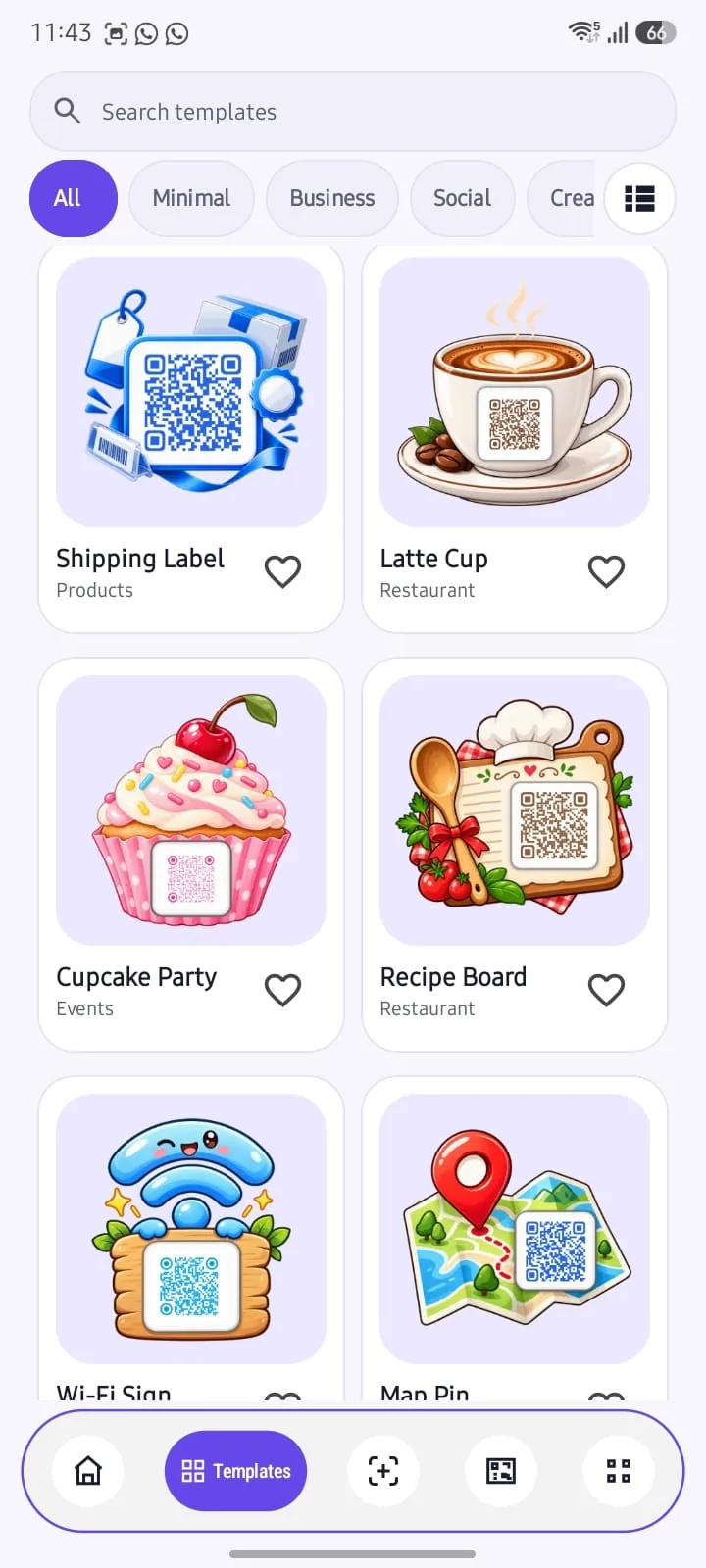
Explore built-in templates and use an image you choose as part of your QR design workflow.
See the workflow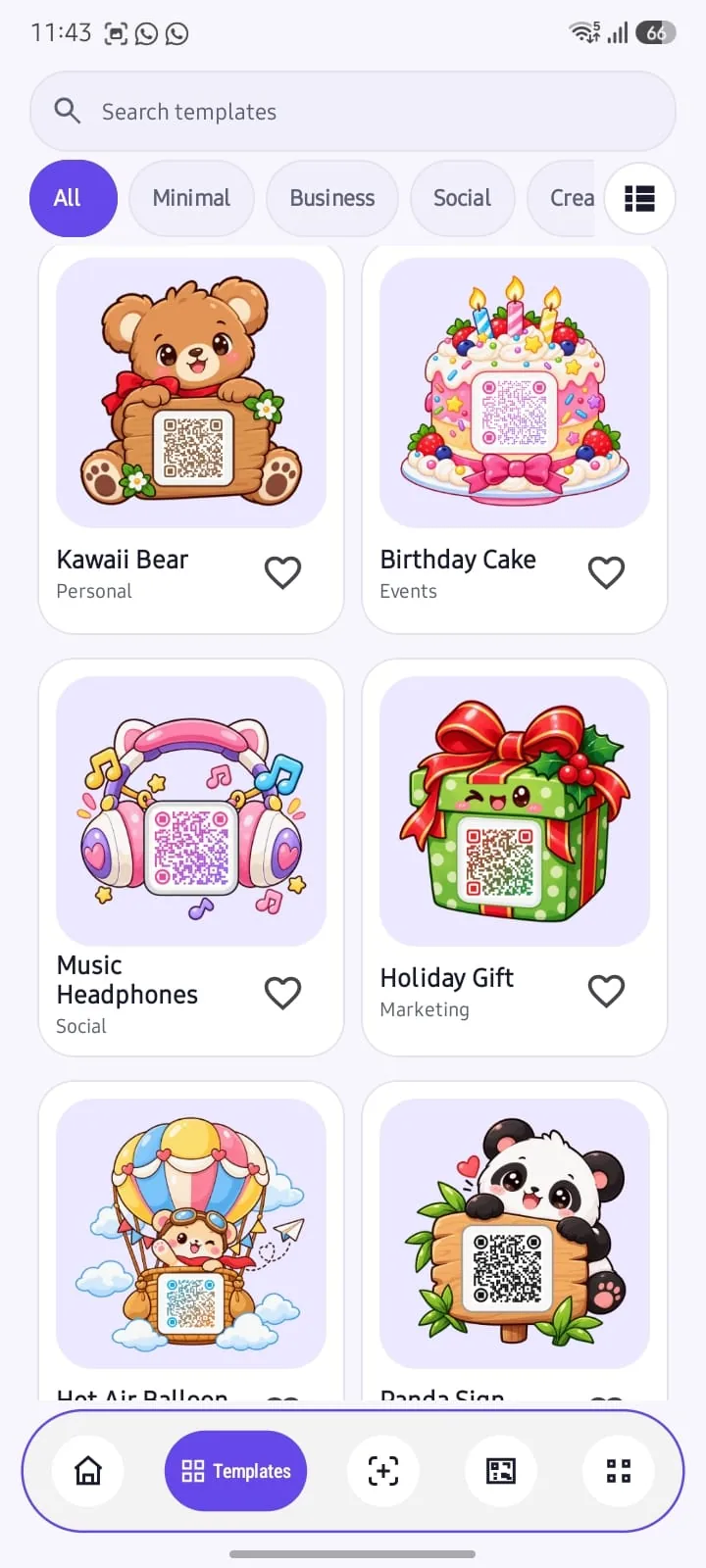
Create the content, refine the appearance, then save or share the result using Android’s tools.
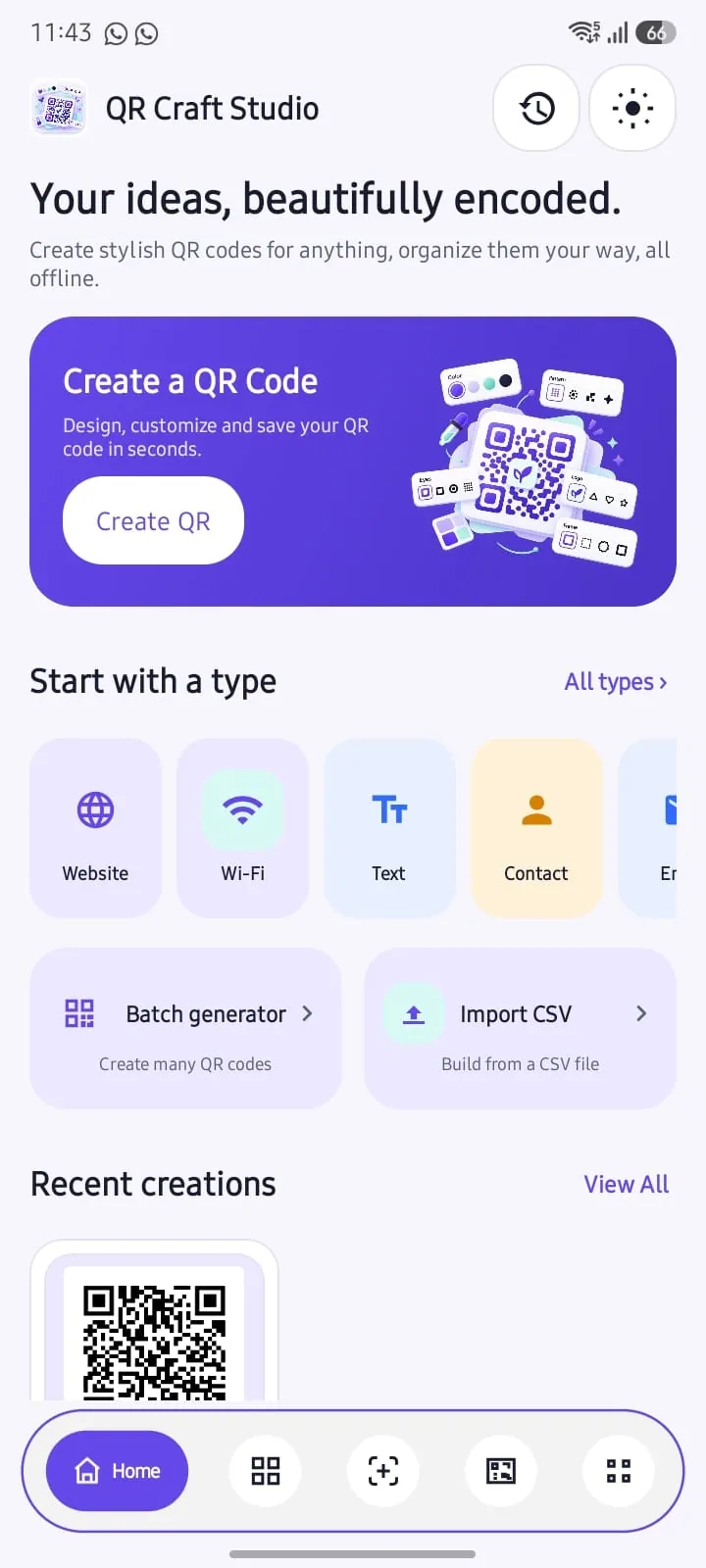
Start with a supported QR type and enter the information you want to turn into a code.
Choose your design preferences and selected logo or background image.
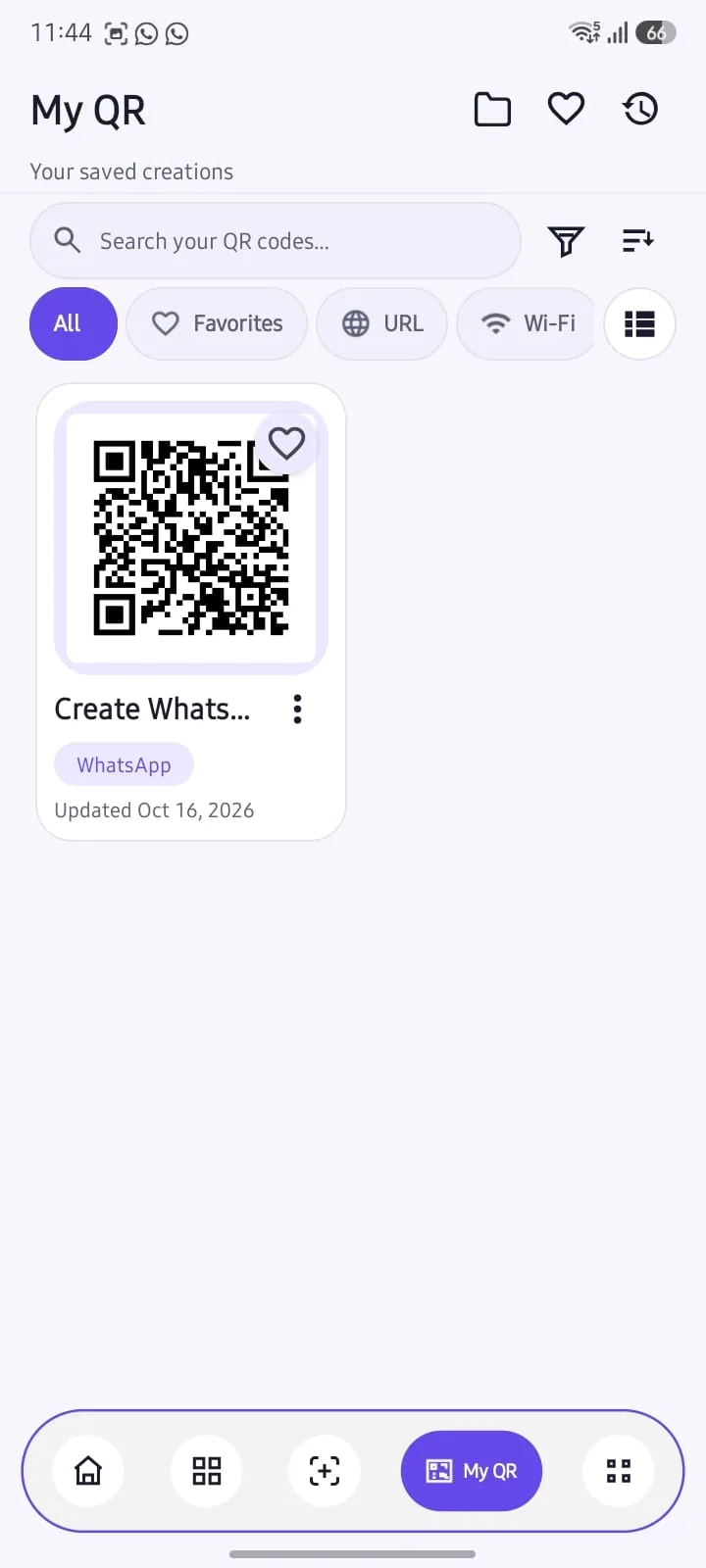
Save to your local library, export a file or choose a destination with Android’s sharing options.
Your designs can stay organized on the device. Keep track of saved QR codes, drafts, favorites, history and folders without signing in.
QR content, drafts, folders and settings are processed and stored locally in this reviewed app release. No account or developer-hosted QR-content cloud is required.
Read the full Privacy PolicyYour QR content and saved data are handled on your device, inside Android app-managed storage.
DEVICE / 01When you share or export, you select the destination. External apps may handle that content under their own policies.
SHARE / 02A note about backups: local backup files can contain information you previously encoded, including Wi-Fi credentials, and are not represented as encrypted. Keep them in a secure location.
Have a question about using the app or how information is handled? Reach the developer directly, or read the full policy.